UX/UI Design Trends in 2025
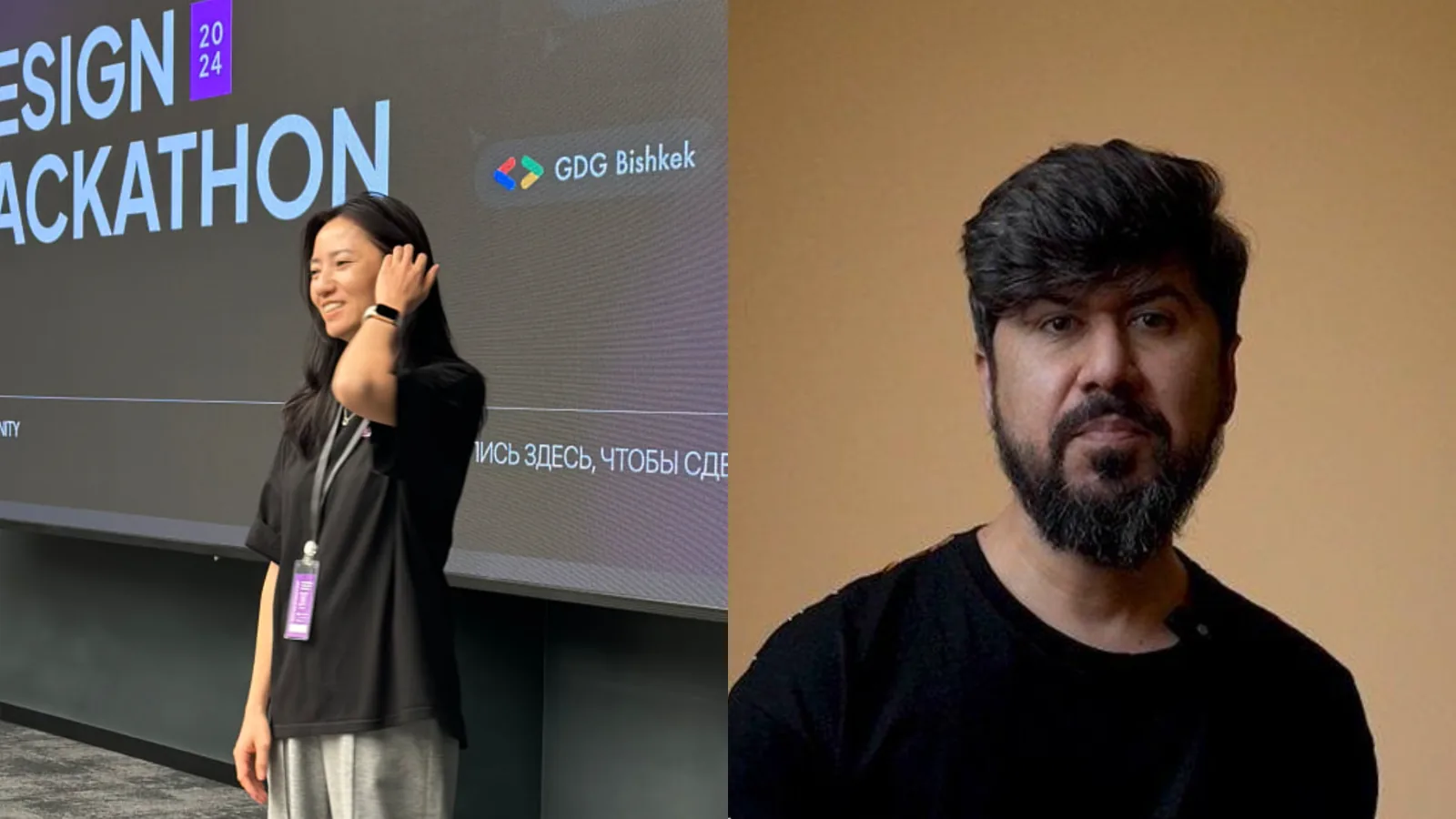
In the Telegram channel The Tech, a live broadcast titled "UX/UI Design Trends in 2025" took place. Speakers Salima Aitmambetova and Manuchehr Sharipov discussed the key trends shaping the design field.
Author - Mansur Ismagulov
The Tech AI
Get the key points in seconds - a short summary from The Tech AI.
Salima Aitmambetova (Bishkek) and Manuchehr Sharipov (Dushanbe) are UX/UI designers who develop communities and work with international organizations. In 2025, the key trends identified are functionality, inclusivity, Bento UI, 3D elements, and Scroll-telling. Experts emphasize that AI will not replace designers but will only automate routine tasks, leaving empathy and solving business challenges to humans.
Salima Aitmambetova, city — Bishkek, founder of the UX Community, Instagram
About me
I am a UX/UI designer and the founder of UX Community in Kyrgyzstan. Since 2023, I have been on maternity leave, but I continue to work as a freelancer and develop the community of designers.
My career began in 2015 in the banking sector, where I developed training courses. In 2019, I moved into IT, working as a graphic and web designer, and since 2020, I have been working in UX design. After working in a studio, I moved to a product company, where I spent three years doing product design.
Since 2023, I have been working as a freelance designer, and since 2024, I have been actively developing UX Community.
About trends
Trends change, but the foundation remains: functionality, usability, accessibility, and ease of perception. The modern generation values speed, experimentation, and the combination of the incompatible.
Everything new is a well-forgotten old. It seems to me that right now, everything that was relevant about 10 years ago is returning.
Inclusivity is important — accessibility for people with disabilities.
Key UX/UI trends in 2025:
— 3D elements — this trend has been around since last year
— bright fat design
— Bento UI grid — large fonts in design started appearing back in 2020, but then it wasn't so active. People were already experimenting, adding large fonts across the entire screen. At the moment, this trend remains relevant
— visual minimalism, doodles, hand-drawn illustrations — these are perceived by users as something more personal and close
— Scroll-telling — when telling the story of a company or product during scrolling. This trend was popular 10 years ago, and now it is returning again
— Mobile First — all websites and applications must be adapted for mobile devices
— gradients and Glassmorphism — this remains relevant because it looks fresh, modern, and creates a sense of the future, especially in combination with animation
— virtual and augmented reality — trends that began gaining popularity last year
— Phantom Moco color.
About new technologies, AI
Today, new technologies are actively developing that help interact with users:
— gesture control, for example, in Apple Watch
— emotion recognition, for example, selecting music or content based on mood
— reading human biorhythms — measuring blood pressure, tracking sleep.
But will artificial intelligence replace humans? Definitely not in 2025. AI helps to speed up and automate processes, but a designer is not just a person who makes beautiful UI elements. A designer solves business problems, adapts the product to user needs, analyzes the market, and comes up with new ideas.
There are many tools that help designers automate routine tasks. For example, plugins for Figma: background removal, renaming layers, as well as Figma GPT — a chatbot that can help with questions.
Tips for beginner designers
- Start with UX research — testing, understanding user behavior patterns.
- Develop visual literacy — study the work of other designers, pay attention to visual elements around you.
- Master new tools — for example, if you haven't tried Framer, learn it. Perhaps it will replace Figma.
- Keep up with updates — try new technologies and adapt to the market.
Manuchehr Sharipov, city — Dushanbe, UX/UI designer, Instagram
About me
I have been living in Tajikistan for three and a half years. During this time, I have had the opportunity to work with the National Bank, UNICEF, EU, GIZ, WHO, as well as with the largest local companies — Tajero and Amiri, for whom I developed websites.
UX/UI design is in low demand in the country — vacancies appear once every month or two, and there are only about 30 applications. Therefore, I adapted to the market and focused on web design, which is in higher demand.
Advice: start with web design, it will help you earn money and develop faster. UX/UI includes working with services, applications, and device interfaces, but many of its principles are also applicable in web design.
About trends
- Minimum of unnecessary elements — maximum usefulness. Today, people, especially Zoomers, consume information quickly. If your website is overloaded, it will lose relevance and will not generate leads.
- Simple navigation without overloaded menus. Studies show that burger menus reduce information perception by 15–20%, especially among users aged 35+. Extra clicks complicate the path to the desired section. Modern trends simplify navigation — key sections are immediately visible on the main screen.
- Interface adaptation for users. This is a trend that continues to gain momentum.
- Micro-animations for engagement. They make websites "alive" and keep users' attention. Static interfaces are gradually going into the past.
How to stay on trend and develop your skills?
First of all — study AI and automation, master new tools.
Next — UX. Develop design thinking and strategic thinking, not just evaluating whether something is "beautiful" or "not beautiful."
The word "beautiful" in design should be forgotten altogether. Design is about usability and communication.
About new technologies, AI
Clickbait topics about something soon dying or becoming irrelevant appear constantly. However, it is important to remember: humans have empathy, and robots do not.
Historically, technologies do not destroy manual labor but change its role. For example, during the Industrial Revolution, the appearance of factories did not cancel the value of manual labor. The same goes for AI: it helps, but does not replace humans.
Routine tasks, such as generating layouts and selecting color palettes, AI performs better, which may reduce the need for junior specialists. However, lead or senior specialists, by setting parameters, accelerate their work.
AI copes well with quickly creating images and UI components, but falls short in analyzing values and empathy, which remain unique human qualities.
Here is a list of popular tools that I use:
— Figma
— Icon Generation — icon generation
— Upscale — improves image quality
— Dark Mode Magic — automatically converts design to dark mode
— Runway — video processing and interface animation, useful for presentations
— ChatGPT — generating ideas, texts, and content
— MidJourney and Crea
— Upscale in Crea — improves image quality
— transformation — adds elements to the image, expanding the canvas
— animation — creating animations, like in Runway.
Tips for beginner designers
- Create, don't wait. Make concepts, don't put off work waiting for orders.
- Develop soft skills and present yourself correctly. Request a letter of recommendation from your previous employer — this will add value to you.
- Behance is an excellent platform for a portfolio. Most projects there are concepts.
- Choose brands with unfinished visuals and redraw them according to your understanding. This way, you will improve your skills.
- Learn from practitioners, not just from courses. Study real projects and companies.
- Find inspiration in the curated gallery on Behance. High-quality projects are collected there.
- Master AI. This will become an important tool for designers in the future.
The Tech on Telegram Follow The Tech on Telegram
Keep up with the latest technology and startup news.
Related reading







More from this author

News
zypl.ai begins operations in Japan and focuses on next-generation risk models
Mansur Ismagulov

News
Elon Musk's net worth has exceeded $700 billion for the first time
Mansur Ismagulov

Article Interviews
"Central Asian countries should build a joint ecosystem," — Bekhzod Ismoilov on the development of AI in the region
Mansur Ismagulov

Article Interviews
Bloom's Taxonomy and Engineering Levels: A Practical Growth Model
Mansur Ismagulov

Article Useful
How the IT industry in Azerbaijan developed in 2025: key events
Mansur Ismagulov

News
Tajikistan has become a new member of the regional innovation alliance Central Asian Innovation Hubs
Mansur Ismagulov