Overview of Sora 2. How the new video generation system with voiceover works
Sora 2 is a significant step forward in text-to-video generation: synchronized sound, improved physics, and enhanced controllability make it a powerful tool for creators. Read more about the service in our review.
Author - Mansur Ismagulov
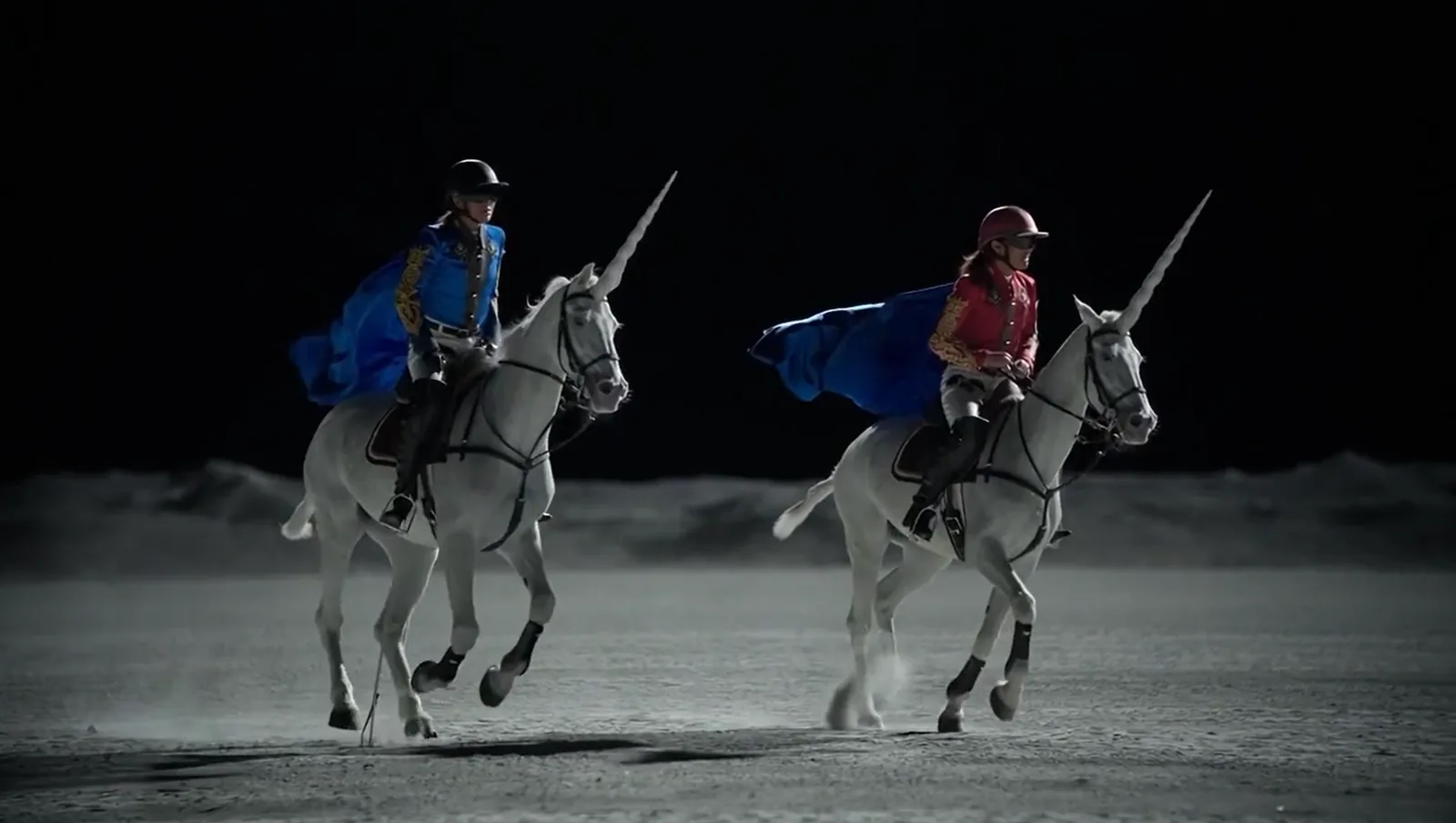
Sora 2 is a new flagship multimodal AI model from OpenAI, designed to generate synchronized video and audio from text and visual inputs.
It expands on the capabilities of the first version of Sora by adding realistic physics, sound effects, and dialogues.
Sora was initially released in December 2024 as part of the features available to paid ChatGPT subscribers.
Sora 2 was officially announced on September 30, 2025, and is available through a new iOS app, a web interface, with an API planned for the future.
Key Features and Benefits
1. Audio and Video Synchronization
One of the key improvements is the ability to generate synchronized dialogue, sound effects, and background audio, making the video more realistic.
2. More Accurate Physics and Realism
Unlike earlier models that could distort objects to fulfill prompts, Sora 2 demonstrates more realistic behavior.
This allows the system to act as a more reliable world simulator.
3. Controllability and Consistency
Sora 2 can follow complex instructions spanning multiple frames, maintaining the integrity of the world and objects.
4. Cameo and User Integration
Through the cameos feature, users can insert their face or voice into scenes by recording a short video/audio clip for identification.
5. Metadata and Privacy Protection
Videos generated by Sora 2 are watermarked and include metadata, such as C2PA, helping to label them as AI-generated content.
OpenAI also states that measures are in place for security and to protect user identity and content.
How to Use Sora 2
- Get an invitation through the Sora app or via the web interface at sora.com.
- Record a short video/audio to allow the system to recognize your face and voice.
- Create a prompt describing the scene, objects, mood, sound, and desired interactions.
- Evaluate the generated video, checking for synchronization, physics, and alignment with expectations.
- Refine the prompt if necessary and repeat, or perform post-processing. For example, manually add text or special effects.
Sora 2 is useful for:
— content creators working with short videos for TikTok, Reels, and YouTube Shorts
— marketers and brands looking to quickly prototype visual ideas
— researchers and developers monitoring the latest advancements in text-to-video generation
— artists and multimedia creators who want to integrate AI-generated video into their work.
Useful Links
Official Sora 2 Presentation
Comprehensive Breakdown and Beginner's Guide by Try CGI
Sora 2 Practical Export & Editing Tips for Smooth Videos
Generate Realistic AI Video with Sora 2 — Prompts, Tips & Examples
The Tech on Telegram Follow The Tech on Telegram
Keep up with the latest technology and startup news.
Related reading







More from this author

News
zypl.ai begins operations in Japan and focuses on next-generation risk models
Mansur Ismagulov

News
Elon Musk's net worth has exceeded $700 billion for the first time
Mansur Ismagulov

Article Interviews
"Central Asian countries should build a joint ecosystem," — Bekhzod Ismoilov on the development of AI in the region
Mansur Ismagulov

Article Interviews
Bloom's Taxonomy and Engineering Levels: A Practical Growth Model
Mansur Ismagulov

Article Useful
How the IT industry in Azerbaijan developed in 2025: key events
Mansur Ismagulov

News
Tajikistan has become a new member of the regional innovation alliance Central Asian Innovation Hubs.
Mansur Ismagulov