How to install and run Midjourney through Discord
Midjourney is one of the most popular AI-based image generators, operating through Discord. Below is a step-by-step guide on how to connect your account, get a subscription, join the necessary channels, enter your first command, and even add the Midjourney bot to your own server.
Author - Mansur Ismagulov
The Tech AI
Get the key points in seconds - a short summary from The Tech AI.
To work with Midjourney, connect your Discord account on the midjourney.com website and join the official server via the link discord.gg/midjourney. There is no longer a free trial; subscriptions start at $10 per month. In the #newbies channel, use the /imagine command to generate images. For private work, add the bot to your own server (up to 1000 members), keeping in mind that each user must have their own separate plan.
Connect your Discord account to Midjourney
- Go to midjourney.com and click Connect Discord.
- In the pop-up window, select your Discord account, authorize the bot connection, and ensure the email is correct.
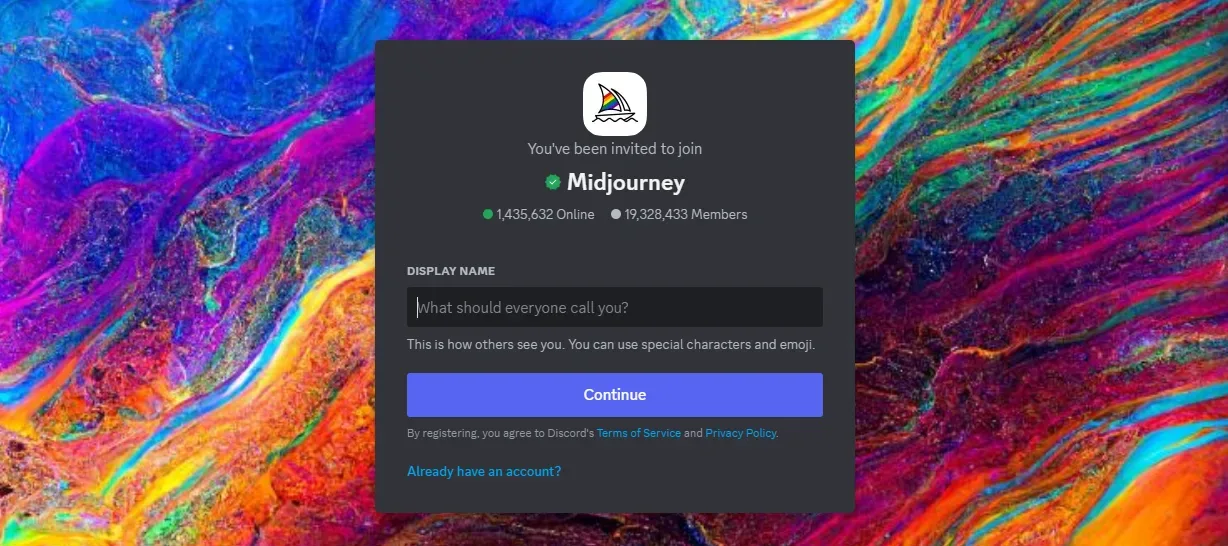
Join the official Midjourney server
In Discord, click “+” → Join a Server → paste the link: discord.gg/midjourney
Get a Midjourney subscription
Midjourney no longer offers a free trial. Paid plans start at $10 per month, and for commercial use, you will need the pro plan or higher.
Join the newbie channel and get started
On the server, find channels like #newbies-1 or #general‑#.
Enter the command:
bash
/imagine <your idea>
The bot will generate four images. Below them are buttons U1-4 for upscaling and V1-4 for variations.
Invite the Midjourney bot to your server
If you want to work privately on your own server:
- Open the Midjourney Bot on the official server's member list.
- Click Add to Server and select the desired server with up to 1000 members.
- Select the appropriate permissions and confirm the invitation.
To generate images on a private server, each user must have their own plan.
Useful links
Official Midjourney website
Guide by Nerds Chalk and GHacks
Guide by robots.net
The Tech on Telegram Follow The Tech on Telegram
Keep up with the latest technology and startup news.
Related reading







More from this author

News
zypl.ai begins operations in Japan and focuses on next-generation risk models
Mansur Ismagulov

News
Elon Musk's net worth has exceeded $700 billion for the first time
Mansur Ismagulov

Article Interviews
"Central Asian countries should build a joint ecosystem," — Bekhzod Ismoilov on the development of AI in the region
Mansur Ismagulov

Article Interviews
Bloom's Taxonomy and Engineering Levels: A Practical Growth Model
Mansur Ismagulov

Article Useful
How the IT industry in Azerbaijan developed in 2025: key events
Mansur Ismagulov

News
Tajikistan has become a new member of the regional innovation alliance Central Asian Innovation Hubs.
Mansur Ismagulov