How to Make Photos Perfect: 10 Neural Networks for Image Processing
Author - Mansur Ismagulov
The Tech AI
Get the key points in seconds - a short summary from The Tech AI.
The article presents a selection of AI applications for enhancing and processing photos: Remini, Fotor, Pixlr, Pika Art AI, Canva, Cheese AI, Palette.fm, Luminar Neo, and Artbreeder. The tools offer features ranging from quality restoration to artistic transformations. Free versions with basic functionality are available, as well as premium subscriptions or paid plans for advanced capabilities.
In the era of digital technology, transforming and enhancing photos using artificial intelligence has become a popular trend. We have compiled a selection of the best AI applications that will help improve the quality of your shots or turn them into works of art.
Remini
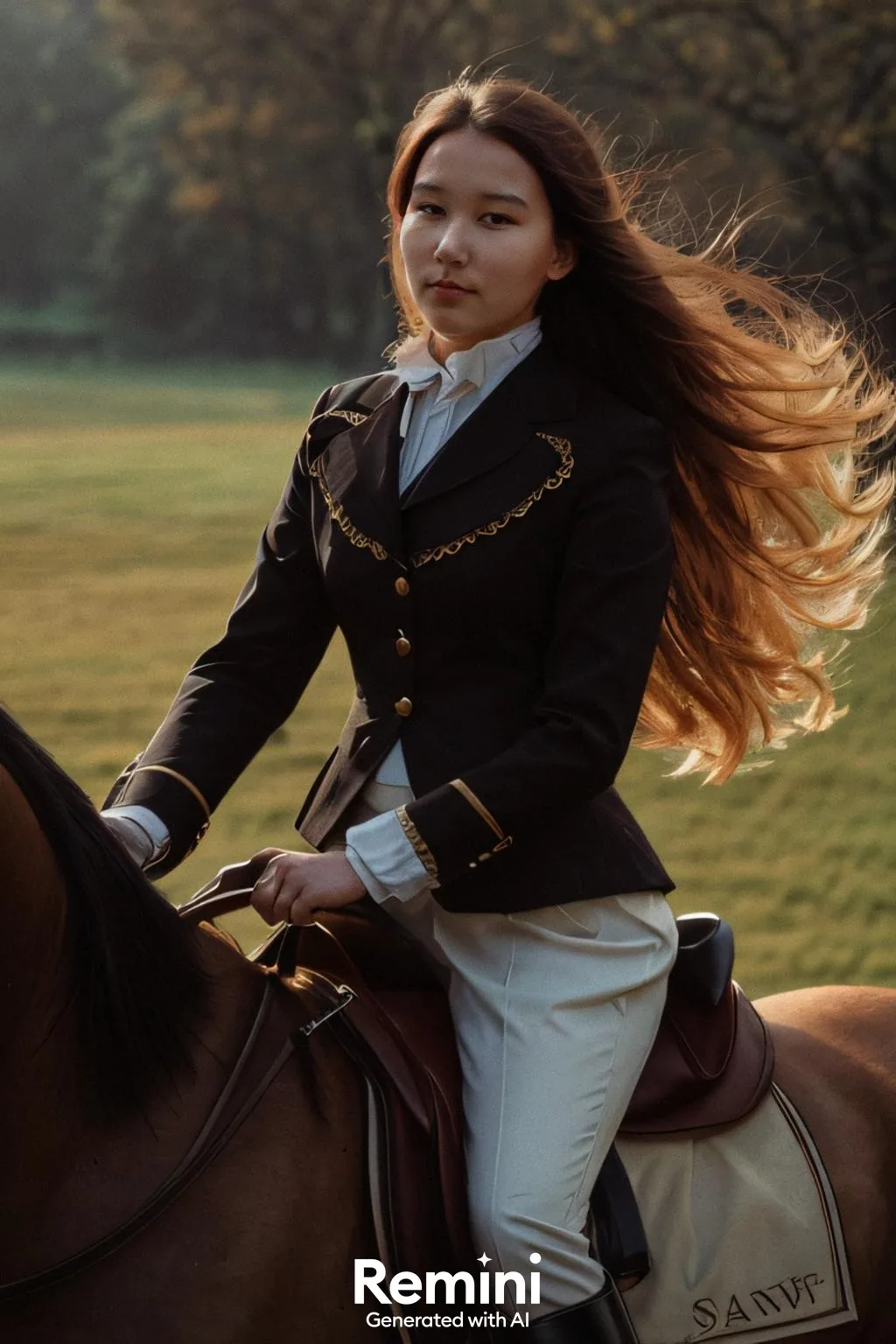
A tool specializing in improving photo quality. Remini is ideal for restoring blurry, damaged, or old photos, turning them into clear, high-resolution images. The free version allows you to test basic features, while a premium subscription unlocks deeper settings and additional capabilities.
For Android users
For iOS users
Fotor
An AI-powered editor offering a wide range of features, including automatic image enhancement, background removal, color correction, and retouching. Fotor features a simple interface and is suitable for both beginners and professionals. The free version offers basic functionality, while a Premium subscription adds access to exclusive tools and templates.
For Android users
For iOS users
Pixlr
A photo editing and design application. Pixlr supports work in browsers, on smartphones, and on PCs. Among its tools are intelligent color correction, defect removal, as well as the application of effects and filters. A free version with basic functionality is available, along with a premium subscription for those seeking professional capabilities.
For Android users
For iOS users
Pika Art AI
A tool ideally suited for creating artistic transformations of photos. With it, you can add surreal effects to images. Pika Art AI is a popular editor due to its unique capabilities.
For Android users
For iOS users
Canva
A design tool that also includes AI features for photo editing. Canva allows you to easily enhance images, add filters, textures, and effects. Thanks to its simple interface and numerous templates, Canva is suitable for both professionals and beginners. The basic version is free, with paid plans available for extended capabilities.
For Android users
For iOS users
Cheese AI
A Telegram bot that uses neural networks to transform ordinary photos into creative images. You can see yourself in completely new roles, such as a princess, superhero, or character in a fantasy world. Cheese AI is an excellent choice for those who love unconventional photos and want to express their imagination.
Palette.fm
A tool for bringing old black-and-white photos to life. Palette.fm automatically adds realistic colors, giving photos a new look. This service is ideal for those who want to preserve family archives or experiment with colors. Using the basic version is free, with the option to donate to support the project.
Luminar Neo
A photo editor that combines ease of use with a wide range of capabilities. Luminar Neo offers automatic portrait retouching, landscape enhancement, and smart filters. It is suitable for both beginners and professionals. The program is paid, but a free trial period is available.
Artbreeder
A platform that uses generative AI models to mix and modify images. It allows you to transform photos as well as create new images in various styles, including retro, vintage, and fantasy effects. You can also work with portraits, landscapes, and abstractions, achieving unique results.
The Tech on Telegram Follow The Tech on Telegram
Keep up with the latest technology and startup news.
Related reading







More from this author

News
zypl.ai begins operations in Japan and focuses on next-generation risk models
Mansur Ismagulov

News
Elon Musk's net worth has exceeded $700 billion for the first time
Mansur Ismagulov

Article Interviews
"Central Asian countries should build a joint ecosystem," — Bekhzod Ismoilov on the development of AI in the region
Mansur Ismagulov

Article Interviews
Bloom's Taxonomy and Engineering Levels: A Practical Growth Model
Mansur Ismagulov

Article Useful
How the IT industry in Azerbaijan developed in 2025: key events
Mansur Ismagulov

News
Tajikistan has become a new member of the regional innovation alliance Central Asian Innovation Hubs
Mansur Ismagulov