How to Safely Use Public Wi-Fi: Tips for Protecting Your Data
Public Wi-Fi is a convenient solution for accessing the internet in cafes, airports, and public places, but it can pose a real threat to your data. To avoid personal information leaks and stay protected, it's important to follow a few simple yet effective rules. In this article, we'll explain how to safely connect to public networks and minimize risks.
Author - Mansur Ismagulov
The Tech AI
Get the key points in seconds - a short summary from The Tech AI.
To protect your data on public Wi-Fi, use a VPN, HTTPS websites, and two-factor authentication. Avoid financial transactions, disable file sharing and automatic connection, and verify the authenticity of network names. Install antivirus software and turn off Wi-Fi when you don’t need internet access to reduce the risk of data interception.
Use a VPN
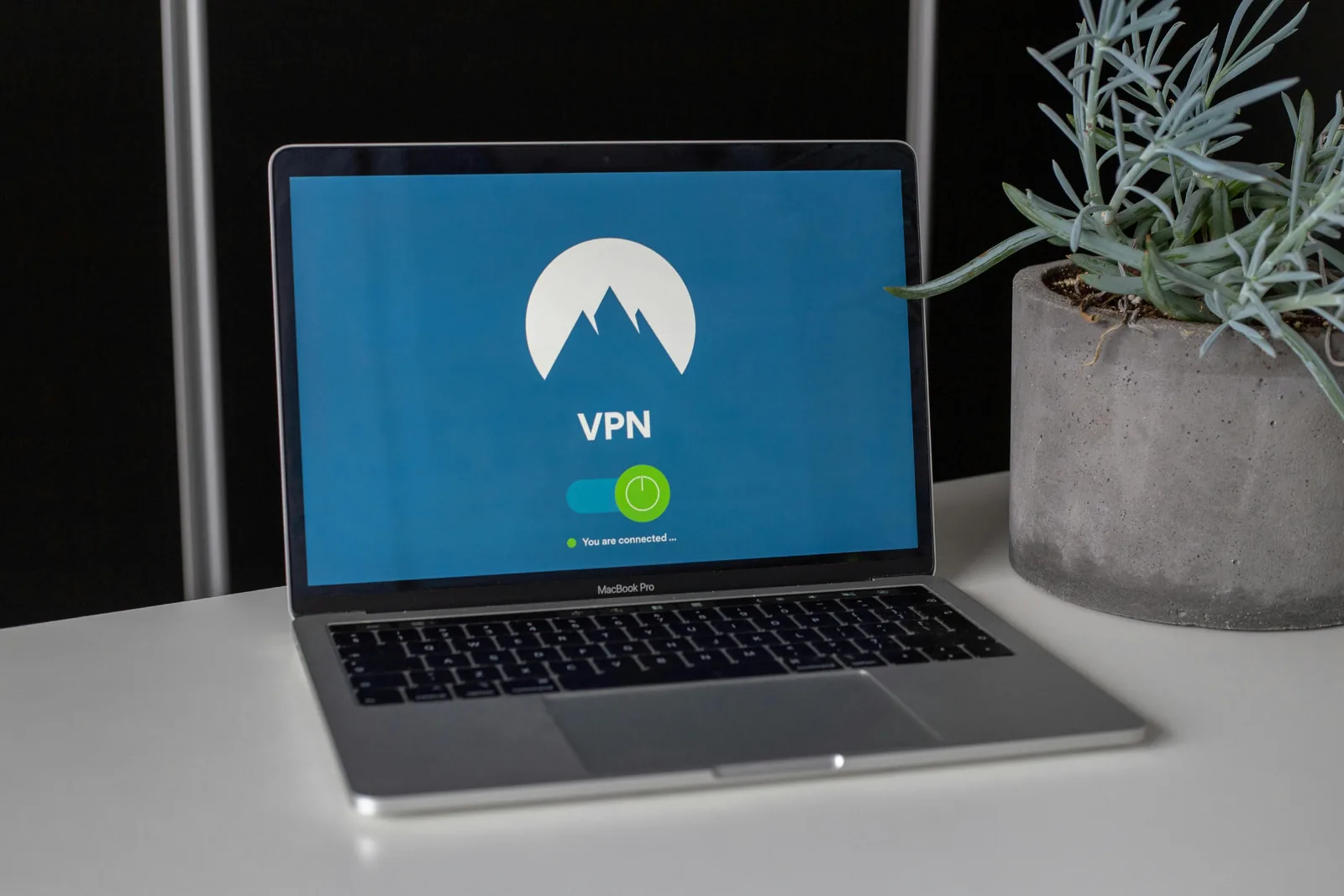
One of the best ways to protect your data when connecting to public Wi-Fi is to use a VPN. A VPN encrypts your internet connection, making it more secure from interception.
Avoid banking transactions and password entry
It is best not to perform financial transactions or enter important passwords while connected to public Wi-Fi. Attackers can intercept such data through unsecured networks.
Disable file sharing
In some public networks, file sharing may be enabled, allowing other users on your network to see files on your device. Disable this feature in the settings.
Use HTTPS websites
Check that the websites you visit start with https://, not http://. This indicates the presence of encryption, which protects your data from eavesdropping.
Disable automatic connection
Turn off the automatic connection feature for Wi-Fi networks on your device. This will help avoid connecting to unreliable and potentially dangerous networks without your knowledge.
Use two-factor authentication
Enable two-factor authentication on your accounts if possible. Even if your passwords are intercepted, an additional layer of protection will make it harder for attackers to access your accounts.
Limit public connections
If you do not need to connect to public Wi-Fi, it is better to use mobile internet. This may be a safer option, especially if the network is public and open.
Beware of fake access points
Sometimes attackers create fake Wi-Fi networks with similar names. If you are unsure, confirm the network name with a staff member at a café or restaurant to avoid connecting to a fake network.
Use antivirus software
Make sure that up-to-date antivirus software is installed on your device. It can detect malware or applications that attempt to exploit your internet connection.
Turn off Wi-Fi when not in use
If you do not need internet access, turn off Wi-Fi on your device. This will prevent unwanted connections and reduce the risk of attacks.
The Tech on Telegram Follow The Tech on Telegram
Keep up with the latest technology and startup news.
Related reading







More from this author

News
zypl.ai begins operations in Japan and focuses on next-generation risk models
Mansur Ismagulov

News
Elon Musk's net worth has exceeded $700 billion for the first time
Mansur Ismagulov

Article Interviews
"Central Asian countries should build a joint ecosystem," — Bekhzod Ismoilov on the development of AI in the region
Mansur Ismagulov

Article Interviews
Bloom's Taxonomy and Engineering Levels: A Practical Growth Model
Mansur Ismagulov

Article Useful
How the IT industry in Azerbaijan developed in 2025: key events
Mansur Ismagulov

News
Tajikistan has become a new member of the regional innovation alliance Central Asian Innovation Hubs.
Mansur Ismagulov