AI tools for development: a practical guide to choosing
AI assistants are fundamentally changing the development process — from idea to production. They accelerate MVP creation, reduce time-to-market, and allow you to focus on business logic rather than routine coding. In this review, our author analyzed six modern solutions for different tasks and expertise levels.
Author - Mansur Ismagulov
The Tech AI
Get the key points in seconds - a short summary from The Tech AI.
The tools for prototyping and development are considered: Bolt, Lovable, v0.dev, Cursor, Windsurf, and GitHub Copilot. Bolt and Lovable are suitable for quickly creating MVPs, v0.dev specializes in UI, while Cursor, Windsurf, and Copilot are designed for professional code development. The choice depends on the tasks: from presenting ideas to complex architecture and daily use in teams.
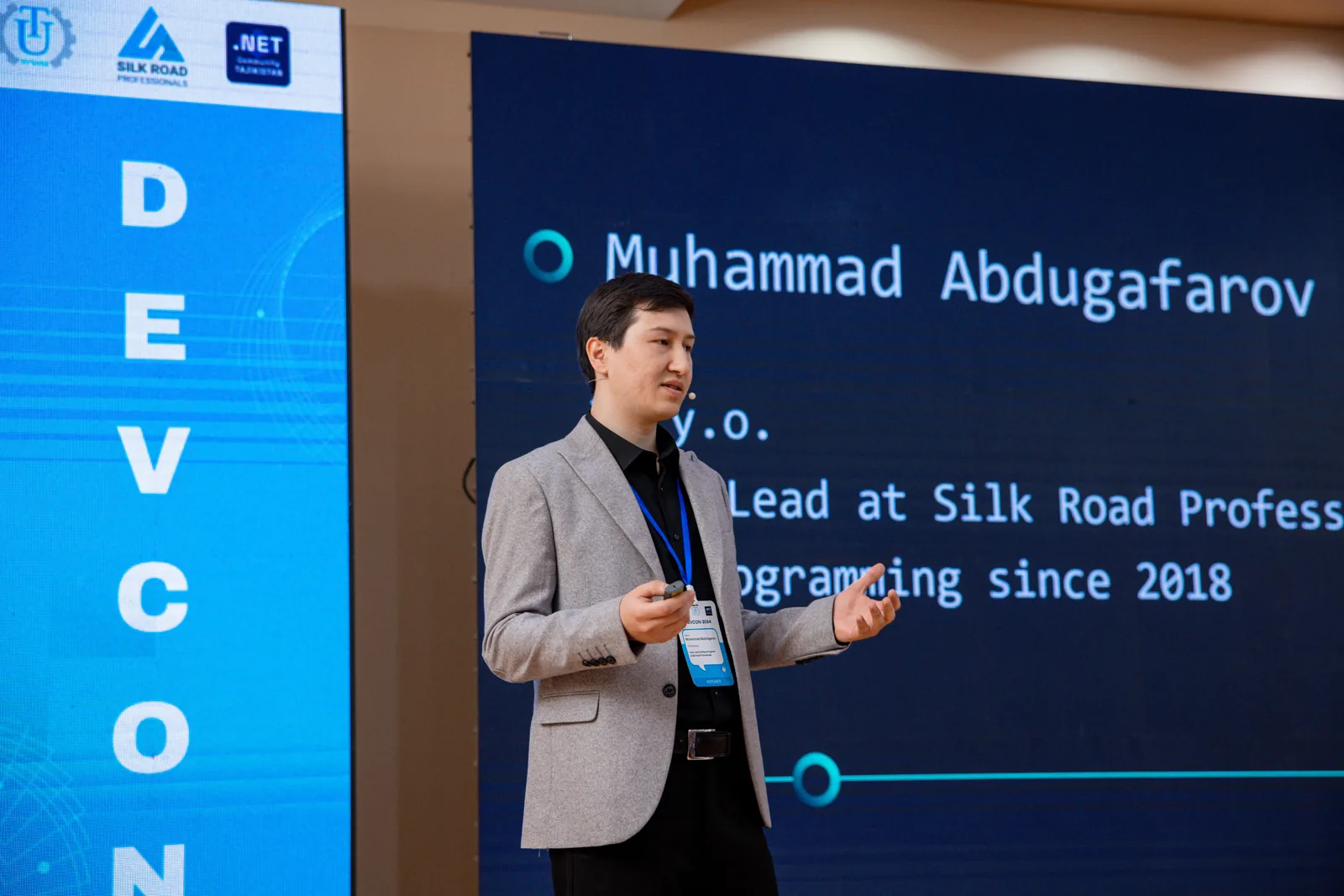
Muhammad Abdugafarov, city — Khujand, team lead, programmer at Silk Road Professionals, LinkedIn
Quick Prototyping Tools
Bolt
A web platform from StackBlitz for building full-fledged applications directly in the browser. Generates frontend and backend, works with popular stacks: Next.js, Express, MongoDB, Supabase. Uses WebContainers technology — a local Node.js environment in the browser without installation.
Features: agent mode for task automation, built-in CI/CD, one-click deployment capability.
Best for: rapid MVP creation, concept testing, presenting ideas to investors.
Lovable
An AI platform that transforms a text description into a fullstack application via a chat interface. Generates not only the UI but also server-side logic, database, and authentication. Key feature — export of clean code to a GitHub repository.
Features: full control over generated code, integration with popular frameworks, suitable for non-tech teams.
Best for: startups, product managers, teams without their own developers.
v0.dev
A generative UI assistant from Vercel, specializing in creating React components with Tailwind CSS and Shadcn UI. Offers multiple design options, allows editing code in real-time and immediate deployment to Vercel.
Features: focus on high-quality UI/UX, modern design system, integration with the Vercel ecosystem.
Best for: frontend developers, designers, for creating landing pages and admin panels.
Developer Tools
Cursor
An AI IDE based on VS Code with deep understanding of the project context. Supports Python, TypeScript, JavaScript, Go, Rust. In agent mode, it can execute console commands, create files, perform refactoring, and semantic search across the entire codebase.
Features: full control over the project, terminal integration, conversion of mockups into code.
Best for: developers of all levels, especially when working with legacy code or large projects.
Windsurf
An AI editor based on GPT-4 with Cascade agent technology. Positioned as an autonomous assistant that doesn't just suggest code but actively solves tasks: creates architecture, executes commands, plans development workflow.
Features: proactive approach to development, architectural guidance, support for multiple languages.
Best for: experienced developers, tech leads, when creating projects from scratch.
GitHub Copilot
The most popular AI assistant, integrated into major IDEs. Offers autocomplete, writes tests, fixes bugs. In agent mode, it can analyze the entire repository and perform multi-step tasks.
Features: wide support for languages and IDEs, large community, constant updates from Microsoft.
Best for: all developers as a daily driver, especially in teams with different technology stacks.
Comparative Table
| Tool | Entry Barrier | Code Control | Cost | Best For |
| Bolt | Low | Medium | Free / $15 per month | Rapid prototyping, presentations |
| Lovable | Low | High | Free / $25 per month | Startup MVPs, non-tech teams |
| v0.dev | Medium | Medium | Free / $20 per month | UI/UX development, frontend |
| Cursor | Medium | Full | Free / $20 per month | Daily development, refactoring |
| Windsurf | Medium | Full | Free / $15 per month | Complex projects, architecture |
| Copilot | Low | Full | $10-19 per month | Universal daily helper |
Recommendations for Selection
For product managers and startups: start with Bolt or Lovable for rapid idea validation.
For designers and frontend teams: v0.dev helps quickly create high-quality interfaces.
For developers: Cursor as the primary workspace + Copilot as a universal assistant.
For tech leads: Windsurf for complex architectural decisions and planning.
For teams: combine tools — each solves its own tasks at different stages of the development cycle.
Conclusion
AI tools are no longer just "assistants" — they are full-fledged members of the development team. They democratize the creation of digital products, allowing you to focus on solving business problems rather than technical implementation details.
The choice of tool depends on your goals: rapid prototyping, daily development, or architectural planning. The best approach is to try several solutions and find the combination that suits your team and processes.
Useful Links:
Bolt — web IDE for rapid prototyping.
Lovable — AI fullstack development.
v0.dev — React UI generation from Vercel.
Cursor — AI IDE for professional development.
Windsurf — autonomous AI agent for code.
GitHub Copilot — universal AI assistant.
The Tech on Telegram Follow The Tech on Telegram
Keep up with the latest technology and startup news.
Related reading







More from this author

News
zypl.ai begins operations in Japan and focuses on next-generation risk models
Mansur Ismagulov

News
Elon Musk's net worth has exceeded $700 billion for the first time
Mansur Ismagulov

Article Interviews
"Central Asian countries should build a joint ecosystem," — Bekhzod Ismoilov on the development of AI in the region
Mansur Ismagulov

Article Interviews
Bloom's Taxonomy and Engineering Levels: A Practical Growth Model
Mansur Ismagulov

Article Useful
How the IT industry in Azerbaijan developed in 2025: key events
Mansur Ismagulov

News
Tajikistan has become a new member of the regional innovation alliance Central Asian Innovation Hubs.
Mansur Ismagulov