The 5 most useful Notion features everyone should know
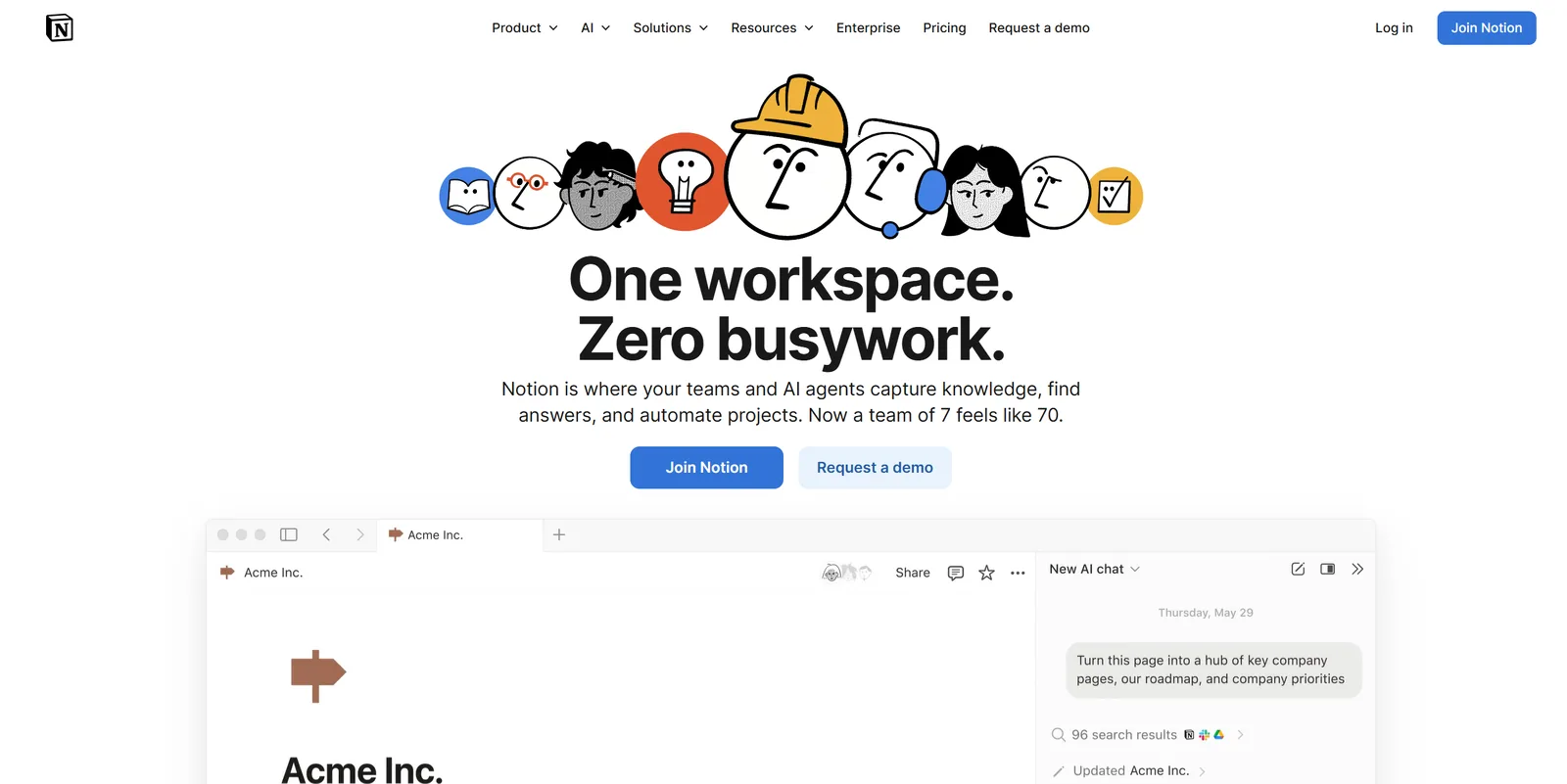
Notion has long ceased to be just a note-taking app. Today, it is a full-fledged workspace for students, editorial teams, startups, and organizations. In a single space, you can manage projects, maintain a contact database, write texts, and even publish them as a website. This collection features some of the most useful Notion features that simplify work.
Notion AI
One of the most discussed features of the platform is the built-in AI assistant, Notion AI.
If you work with content, Notion AI can help with article ideas, creating a content plan, or drafting a publication. If you manage projects, the assistant can structure tasks, suggest an action plan, or help automate routine processes. The AI correctly processes texts and can also transcribe meetings and create brief summaries.
Publishing pages as a website
One of the most underrated features of Notion is the ability to turn a regular page into a full-fledged web page.
Through the "Share to Web" option, users can make a document publicly accessible via a link, without the need for additional hosting, a separate CMS, or complex configurations. This allows you to publish portfolios, landing pages, media kits, instructions, guides, or even simple blogs. For students, this is a convenient way to present a project; for teams, it is a quick way to share documents with external partners.
Project timeline
In addition to tables and Kanban boards, Notion offers a timeline format. This is a visual representation of tasks on a timeline.
This mode is particularly useful for long-term projects. You can see deadlines, move tasks, track overlaps, and plan work stages. The visual logic helps you quickly grasp the overall picture and avoid overload. For editorial teams, production companies, startups, and educational projects, this is one of the most convenient planning tools.
Page change history
Notion automatically saves the change history of a document. If information was accidentally deleted or edited incorrectly, you can revert to a previous version of the page and restore the content.
This feature is especially important during collaborative work. In teams where multiple people edit the same document, the change history allows you to maintain control over the process and prevent data loss.
Database relations: Relations and Rollups
One of Notion's strongest features is its flexible database system. The Relations feature allows you to link different databases together.
For example, you can connect a task list with a project or contact database. Then, each task will be linked to a specific project, and information will not be duplicated. Additionally, the Rollup feature pulls data from the related database: it counts the number of tasks, sums up budgets, displays statuses, or shows progress.
The Tech on Telegram Follow The Tech on Telegram
Keep up with the latest technology and startup news.
Related reading




More from this author

Article Useful
How to protect your accounts from hacking: 8 settings you should check today
The Tech

Article Useful
500 Global: How the Accelerator Works and Who Can Receive Investments
The Tech

Article Interviews
Game Development in Central Asia: Arkady Moldavski on Developing Reverb and the Growth of the Industry
The Tech

Article Useful
Google, Tesla, BlackRock, and the IMF: Where to Apply for an Internship in Fall 2026
The Tech

News IT
Tesla unveiled the flying electric car Roadster
The Tech

News IT
Intero Biosystems startup won the Startup Battlefield at TechCrunch Disrupt 2026
The Tech