How to Write a Thesis with AI in 2026: A Student's Guide
In addition to popular models like ChatGPT-5 and Claude, which assist with texts and ideas, there is a whole range of specialized AI services for different stages of work.
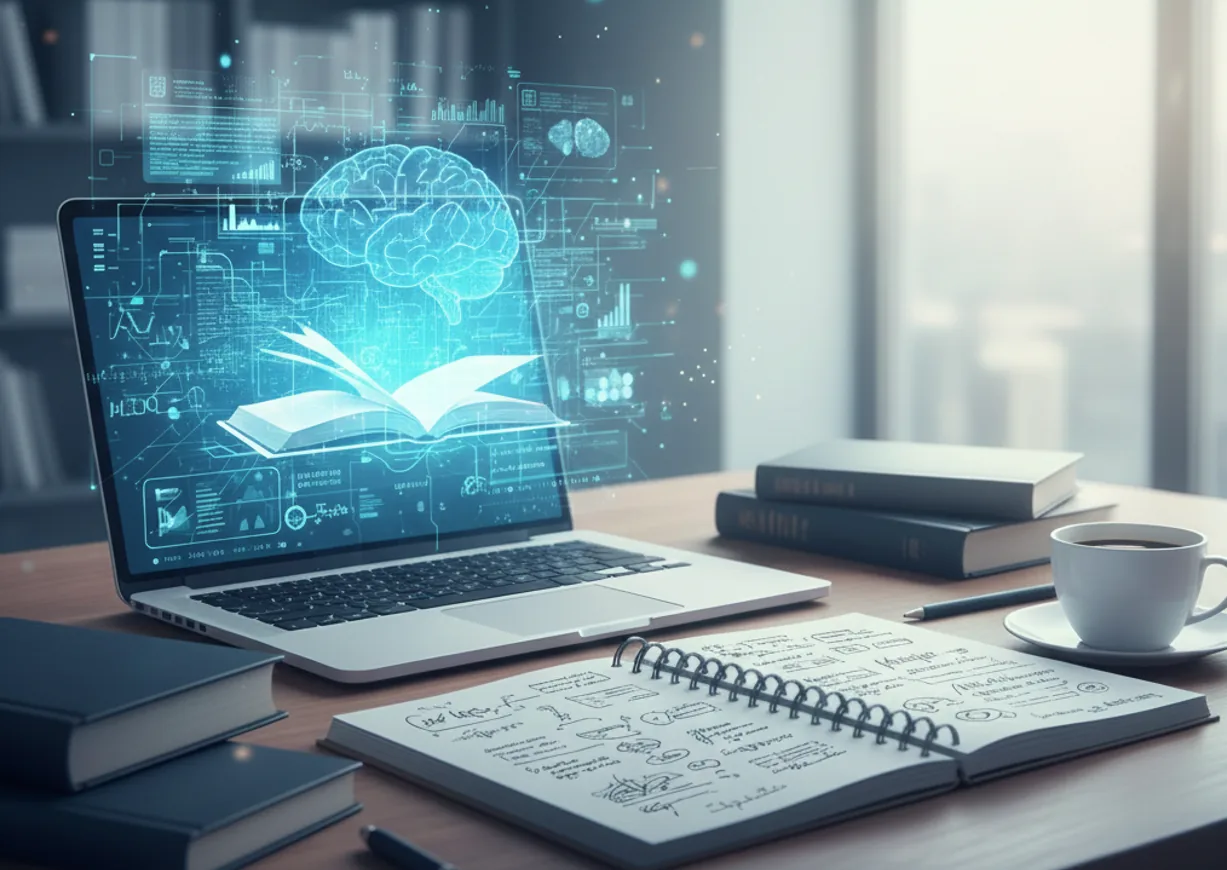
AI handles the most tedious part of the process: finding sources, formatting bibliographies, and polishing language. However, it is important to understand: AI is an assistant, not an author. We examine which tools actually work at each stage of a thesis.
Searching and analyzing sources
SciSpace — for analyzing complex articles.
This is the most important stage of a thesis, and here AI saves the most time.
SciSpace helps researchers analyze PDFs, understand complex methodologies, and simplify academic articles. Its strength lies in explaining others' work, but it does not generate structured draft theses.
This is an ideal tool for the first stage: you upload articles, ask questions in plain language, and receive clear explanations of complex concepts.
Structure and writing chapters
Jenni — for generating the first draft.
Jenni AI focuses primarily on text generation: it quickly creates paragraphs, helps overcome writer's block, and is suitable for brainstorming during the early draft stage.
An important point: Jenni does not support academic search, has a limited workflow for citations, and lacks an integrated reference library. Therefore, it should only be used for developing ideas and initial sketches, not as a primary tool.
Citing and managing sources
ResearchPal — for finding sources, literature reviews, and citations in one place.
ResearchPal integrates source search, literature review compilation, citation generation, and editing into a single academic workspace. Instead of switching between multiple tools, thesis authors can manage all their workflows in one place.
It supports: semantic academic search, AI-generated literature reviews, a citation generator (APA, MLA, Chicago, Harvard, BibTeX), automation of in-text citations, PDF chat, and academic writing improvement.
Practical part
PopAI — for charts and data visualization from tables.
You upload tables in Excel or CSV format, and the tool automatically builds charts, diagrams, and visual summaries. It is especially useful in IT, economics, and exact sciences, where quantitative results need to be shown visually.
It is best used when the practical part contains data, measurements, comparisons — and you need to quickly present them to the committee in a clear format.
Defense presentation
Gamma — for text and analytical presentations.
Gamma is ideal for turning academic articles into structured presentations. You upload a PDF or DOCX file, and the tool extracts arguments and creates slides with formatted citations in APA, MLA, or Chicago style. Instead of standard slides, Gamma uses modular "cards," which is convenient for thesis defenses or literature reviews.
Final editing
Grammarly — for final editing and proofreading text.
When the text is written and arguments are structured, it is time for the final pass. Grammarly works with grammar, clarity, tone, and sentence structure — it is the best tool specifically for final editing and proofreading.
Its task is to take already written text and make it read cleanly and professionally. It removes repetitions, balances the tone throughout the work, and catches errors that the eye stops noticing after the third iteration of edits. It is especially useful if the thesis is written in English.
The Tech on Telegram Follow The Tech on Telegram
Keep up with the latest technology and startup news.
Related reading




More from this author

Article Useful
How to protect your accounts from hacking: 8 settings you should check today
The Tech

Article Useful
500 Global: How the Accelerator Works and Who Can Receive Investments
The Tech

Article Interviews
Game Development in Central Asia: Arkady Moldavski on Developing Reverb and the Growth of the Industry
The Tech

Article Useful
Google, Tesla, BlackRock, and the IMF: Where to Apply for an Internship in Fall 2026
The Tech

News IT
Tesla unveiled the flying electric car Roadster
The Tech

News IT
Intero Biosystems startup won the Startup Battlefield at TechCrunch Disrupt 2026
The Tech